Open-source · github.com/YuZh98/quant-prep-terminal
Everything you need to prepare for a quantitative-finance interview, packed into one HTML file: cheatsheets, flashcards, and a small lab where you can build an option position and watch its payoff in real time. No install, no sign-up — open it and study.
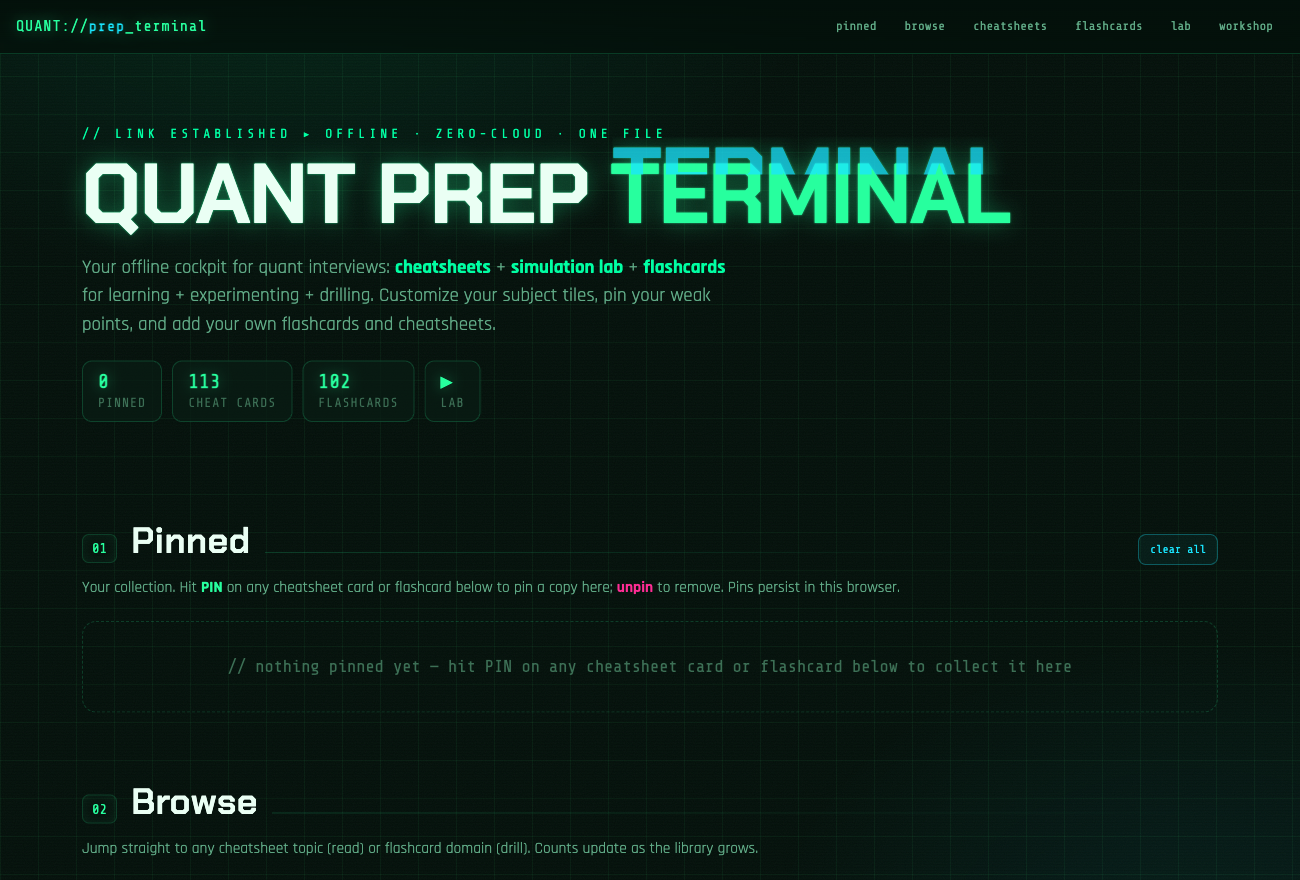



Open the live app — runs in any modern browser. Your cards, pins, and progress live in your browser’s localStorage; nothing is sent anywhere.
Who is this for?
Anyone preparing for a quant trading, research, or developer interview who is tired of stitching prep together from scattered PDFs, textbooks, and a subscription flashcard app. If you want one place to read the formula, drill the question, and simulate the answer — and you want to own it offline — this is that place.
What’s inside
Cheatsheets
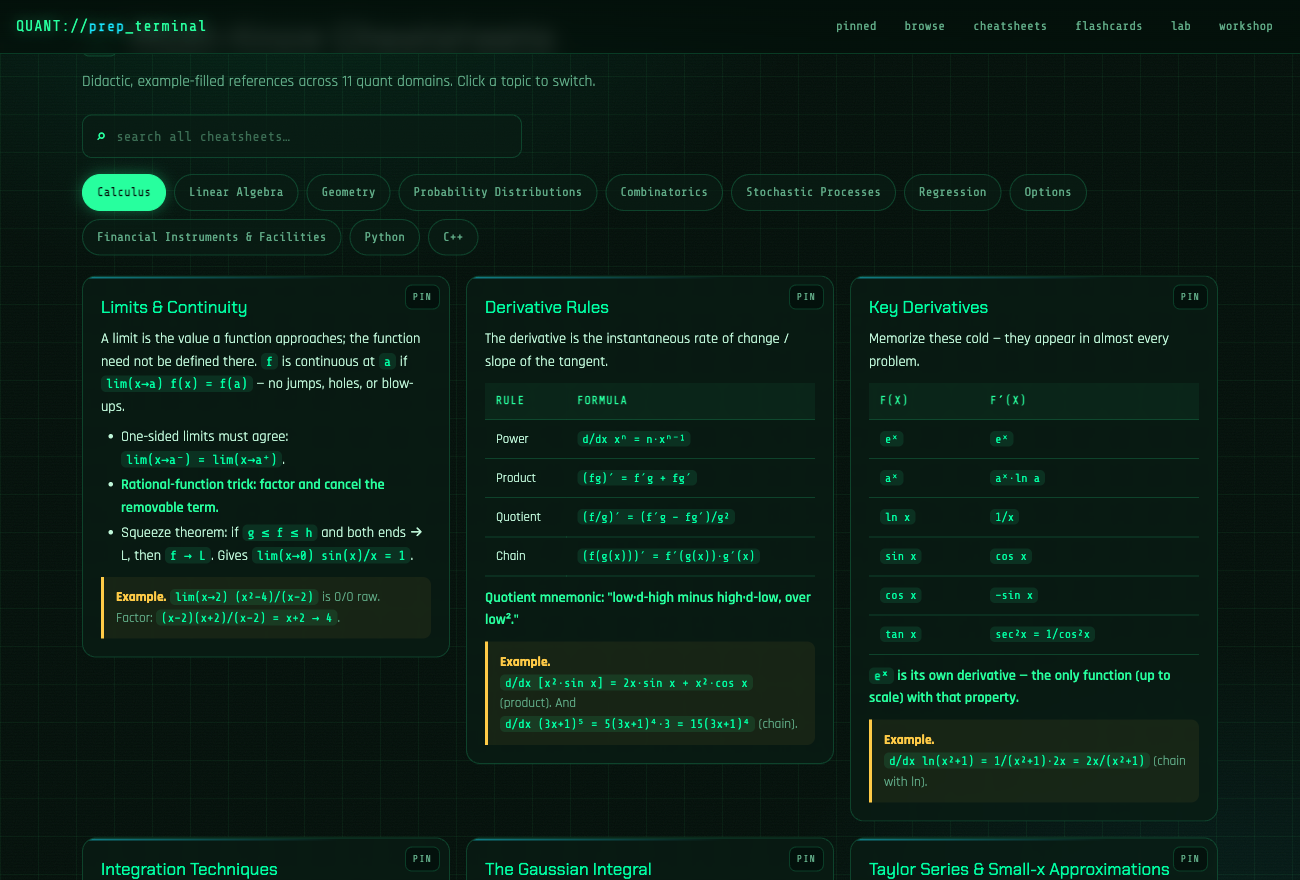
Eleven domains — calculus, linear algebra, geometry, probability distributions, combinatorics, stochastic processes, regression, options, financial instruments, Python, and C++ — as bite-size cards with worked examples. A single search box covers every domain, so you can find the identity you blanked on without hunting through tabs.
Flashcards
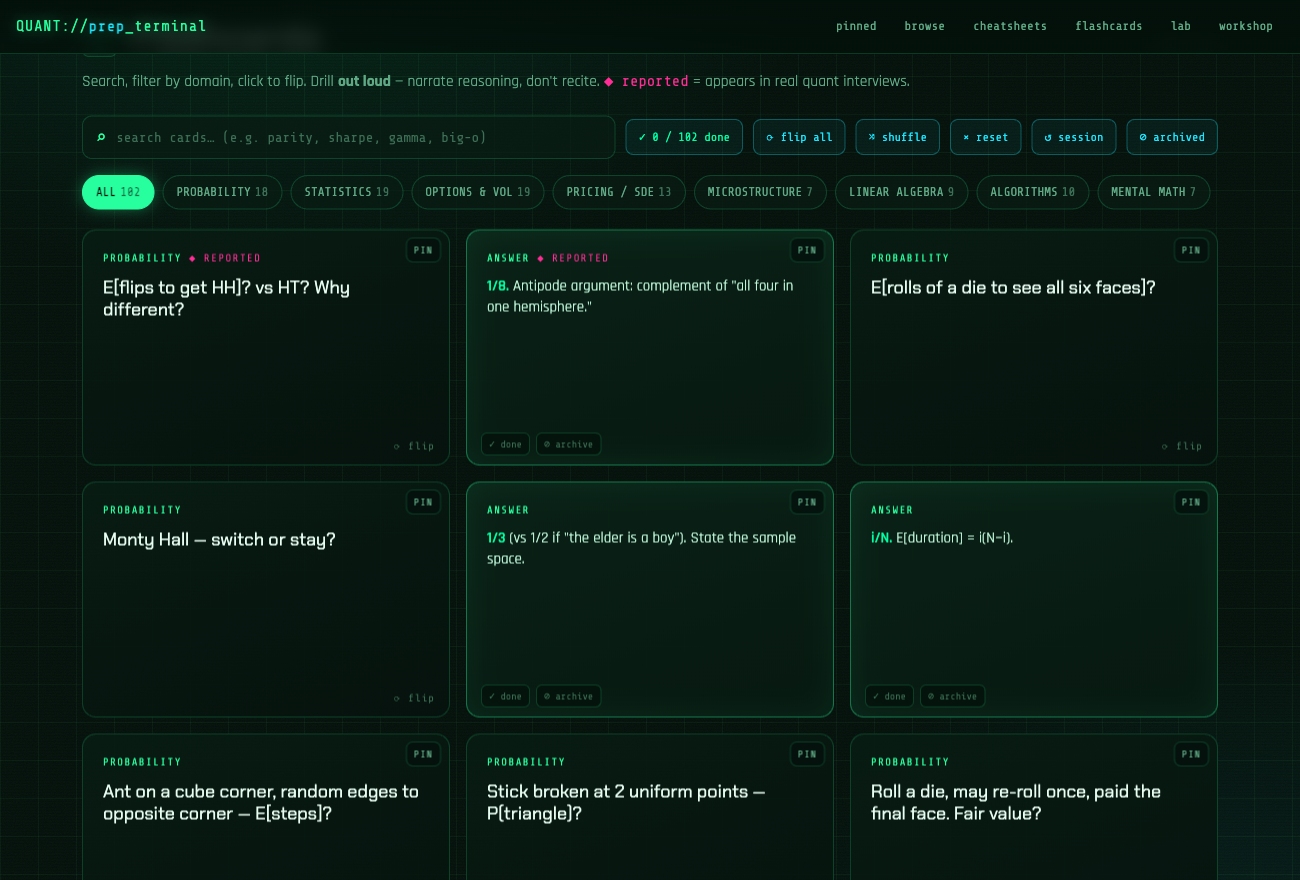
100+ real interview questions. Search them, filter by topic, and shuffle so order memorization can’t fool you. Flip to check yourself, then pin the ones that catch you out, archive the ones you’ve nailed, and mark cards done for the session so the remaining pile visibly shrinks.
Lab
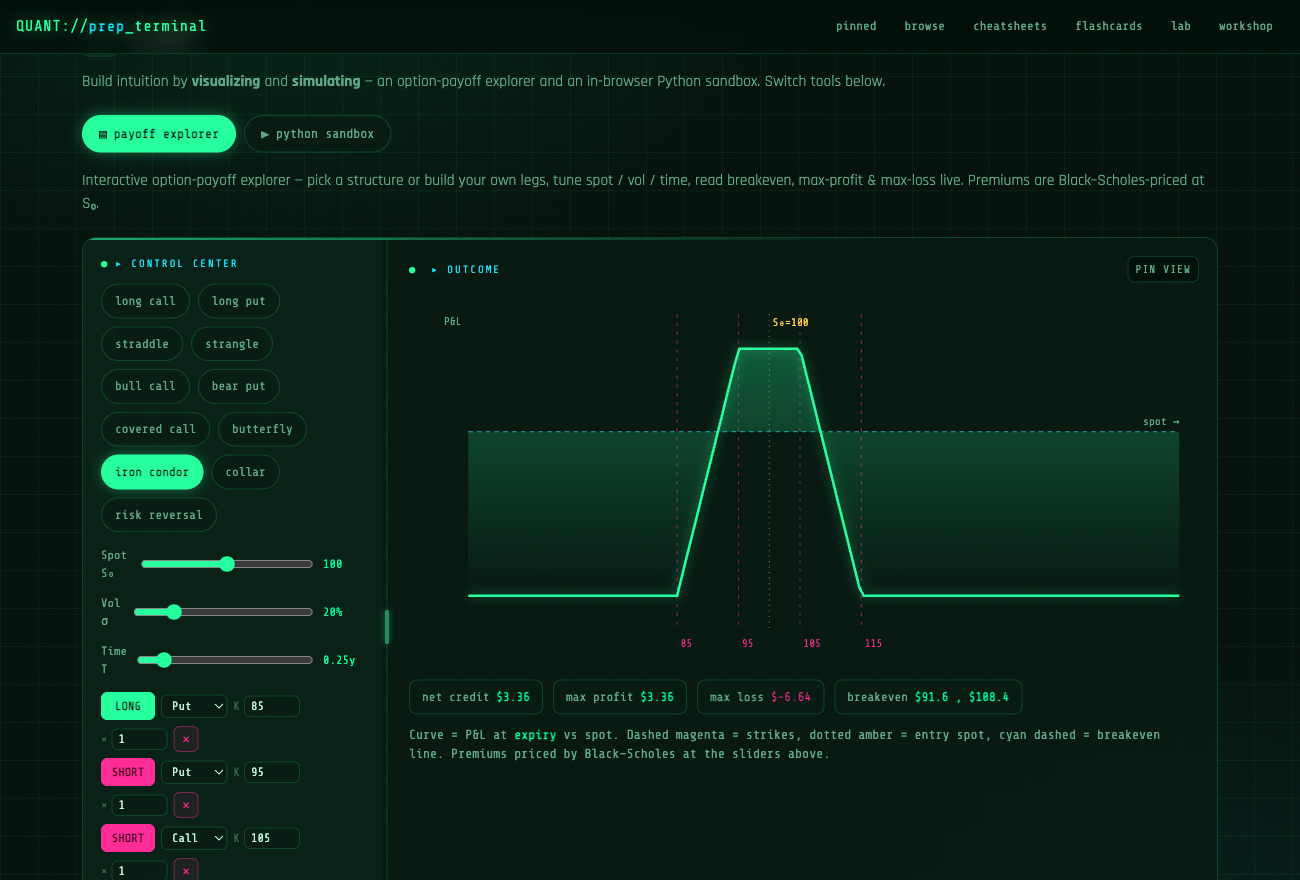
A tabbed workbench of five tools. Payoff explorer — build an option position leg by leg, Black–Scholes-priced, with live breakeven, max profit/loss, and a P&L crosshair. Distribution explorer — seven distributions (normal, lognormal, exponential, uniform, Poisson, binomial, Student-t) with live density/PMF plots and analytic moments. Market maker — a dice market-making game pitting your bid/ask against informed and noise flow, scored over rounds. Regression simulator — set a true line, add noise, and watch ordinary least squares recover it with R² and residual diagnostics. Python sandbox — run a real simulation in the browser (Pyodide) to settle a probability question empirically.
How to use it
- Open the live app, or download
index.htmland open it locally. - Browse — click a subject tile to land on its cheatsheet or flashcards.
- Drill — flip cards, mark done as you go, pin what trips you up.
- Experiment — drag the spot / volatility / time sliders, build a position, or run a simulation.
- Collect — anything you pin surfaces at the top, ready for a final review the night before.
Make it yours
The built-in Workshop lets you extend the terminal without touching code:
- Add your own subjects, flashcards, and cheatsheet cards — the question that stumped you last round is one form away from your own deck.
- Archive, restore, or delete anything.
- Everything auto-saves to your browser — no login, no server.
Want to reskin it or rebuild it entirely? It’s one readable HTML file — fork it, edit index.html, and go.
Prefer to start from nothing? A fresh-start build ships with zero seed content — same terminal and lab, an empty deck and no cheatsheets, ready for your own bank. It’s generated from index.html by a small build script, so it never drifts from the main app.
How it works
The whole app is a single self-contained index.html: structure, cyberpunk theme, and logic in one file with no build step and no framework. Cheatsheets and flashcards are plain JavaScript data, so adding content is appending an object to an array. Payoff charts are hand-rolled SVG; option prices use a Black–Scholes implementation with an erf approximation. The Python sandbox lazy-loads Pyodide (in-browser CPython) from a CDN only when you open it. All personalization — pins, your added content, session progress — persists to localStorage.
Fonts and the Python runtime load from a CDN, so those want a connection; everything else works offline — on a plane, or during the campus wifi outage right before a mock interview.
Stack
| Layer | Technology |
|---|---|
| App | One self-contained HTML file — no build, no framework |
| Charts | Hand-rolled SVG · Black–Scholes pricing |
| Sandbox | Pyodide (in-browser CPython, lazy-loaded) |
| Persistence | Browser localStorage |
| Hosting | GitHub Pages |
Roadmap
More content is on the way — additional domains, deeper question banks, and new lab tools are planned. The data-driven design means most of it lands as new cards rather than new code.
License
Free for personal, non-commercial use under CC BY-NC 4.0. Study with it, share it, build on it — just give credit.